Free · No sign-up · No watermark
Discord pfp maker
Make a Discord avatar that still reads in the member list. Upload a photo, remove the background, and download an HD Discord profile picture. Free, no account, no watermark.
Open the free profile picture makerMembers — 4
 yournameYou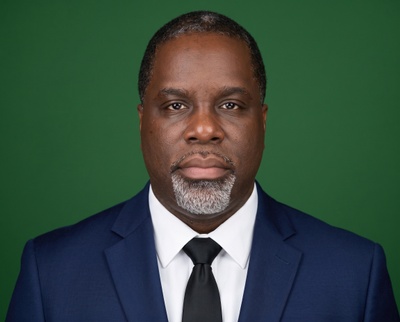
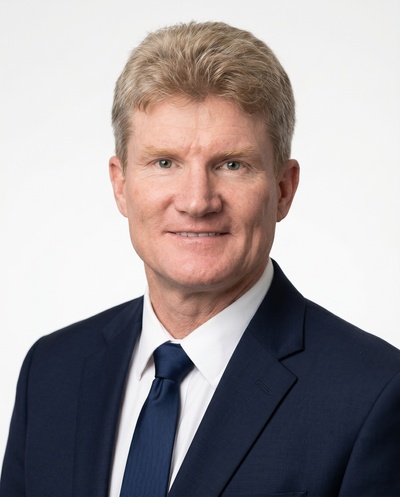
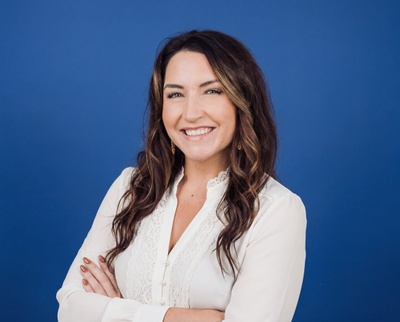
Your download, previewed where it actually lives
Discord calls your profile picture an avatar and shows it as a circle almost everywhere: next to every message you send, in the member list on the right, and on your profile card. Most of those spots are tiny. Your Discord avatar often renders at around 128×128px, and beside a message it is smaller still. A photo that looks fine full-screen turns to mush at that size, so this Discord pfp maker helps you check the small-size read before you commit.
Discord accepts avatars up to 1024×1024px, and the editor keeps the export crisp. The real job is keeping the picture legible when it shrinks. Go high contrast: cut the background out and drop in a solid colour or a simple gradient so your face separates from the dark Discord UI. Busy backgrounds and low-contrast selfies disappear in the member list. A bold, simple crop survives. Animated GIF avatars are a Nitro-only perk, so a sharp static PNG is the right target for most people.
To make your Discord dp, upload a selfie and let the background removal run locally in your browser. Pick a colour that stands out against Discord’s dark theme, switch on the circle crop, and zoom in until your face fills the round frame. Everything gets masked to a circle, so anything in the corners is lost. A thin border helps the avatar pop against the channel background without looking noisy.
When it looks right at small sizes, export an HD PNG. No watermark, no account, no paywall. This is a free Discord profile picture tool, not a trial. The circle crop and background you set here match how Discord frames an avatar, so the download goes straight into your Discord user settings and reads clearly in a busy server list or next to your latest message.
How the free pfp maker works
Three steps. You stay in the browser the whole time.
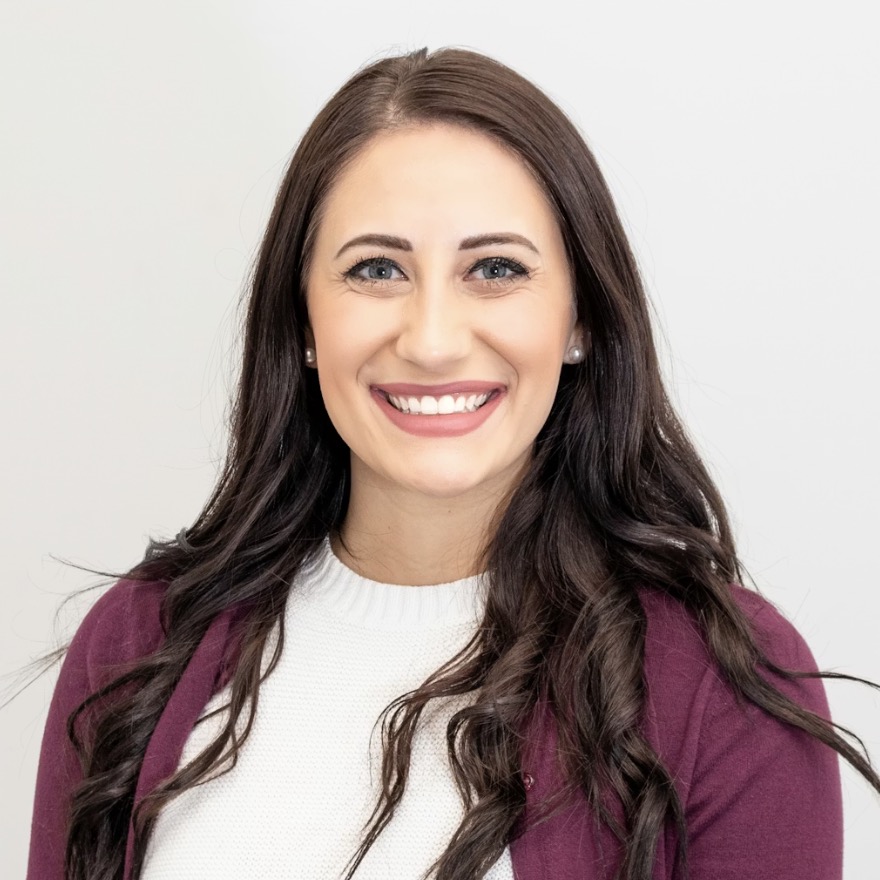
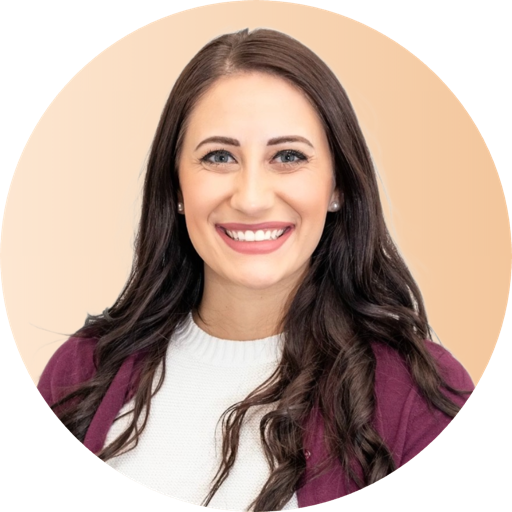 profile-picture.pngDownload HD
- Step 1
Upload
Drop a selfie or pick one from your phone. Camera roll is fine.
- Step 2
Remove the background and style
Cut the subject out, pick a color or gradient, and add a circle crop or border.
- Step 3
Download free
Export an HD PNG or JPEG. No watermark, no account, no paywall.
Questions
Discord pfps
What size should a Discord avatar be?
Discord shows your avatar as a circle at roughly 128×128px and accepts uploads up to 1024×1024px. Upload a large square photo and keep your face centered so the circle crop does not clip it.
How do I make a Discord avatar that reads at small sizes?
Use a high-contrast crop: remove the background, add a solid colour or simple gradient, and zoom in so your face fills the circle. Busy, low-contrast photos vanish in the member list.
Is this Discord pfp maker free?
Yes. It is 100% free with no sign-up and no watermark. Download an HD Discord profile picture and upload it straight into your Discord settings.